Free 3D viewer · Creallo Atlas

Open and inspect 3D files without CAD.

Measure, inspect and price a part on one screen. The same on Windows, macOS and Linux.

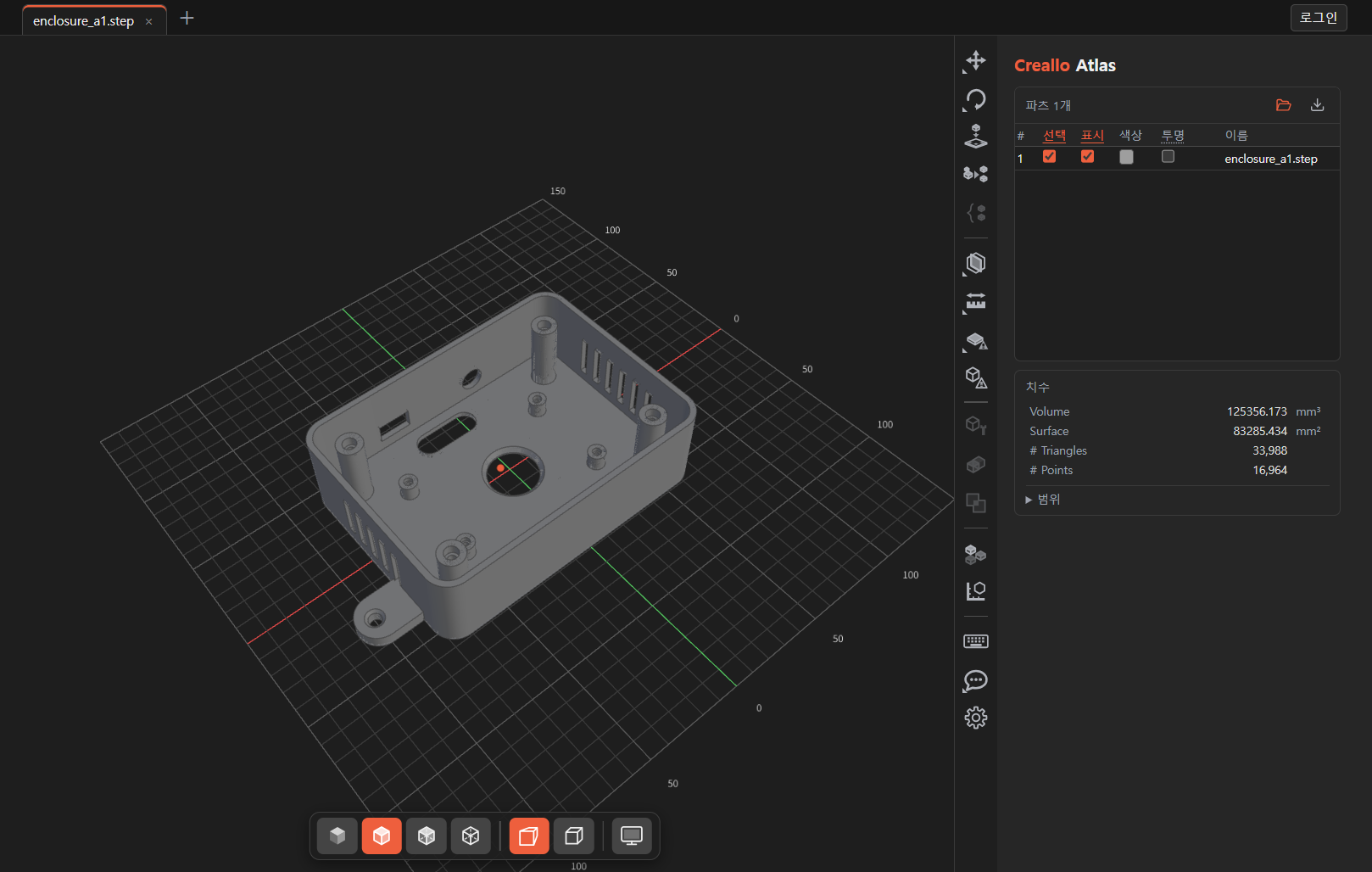
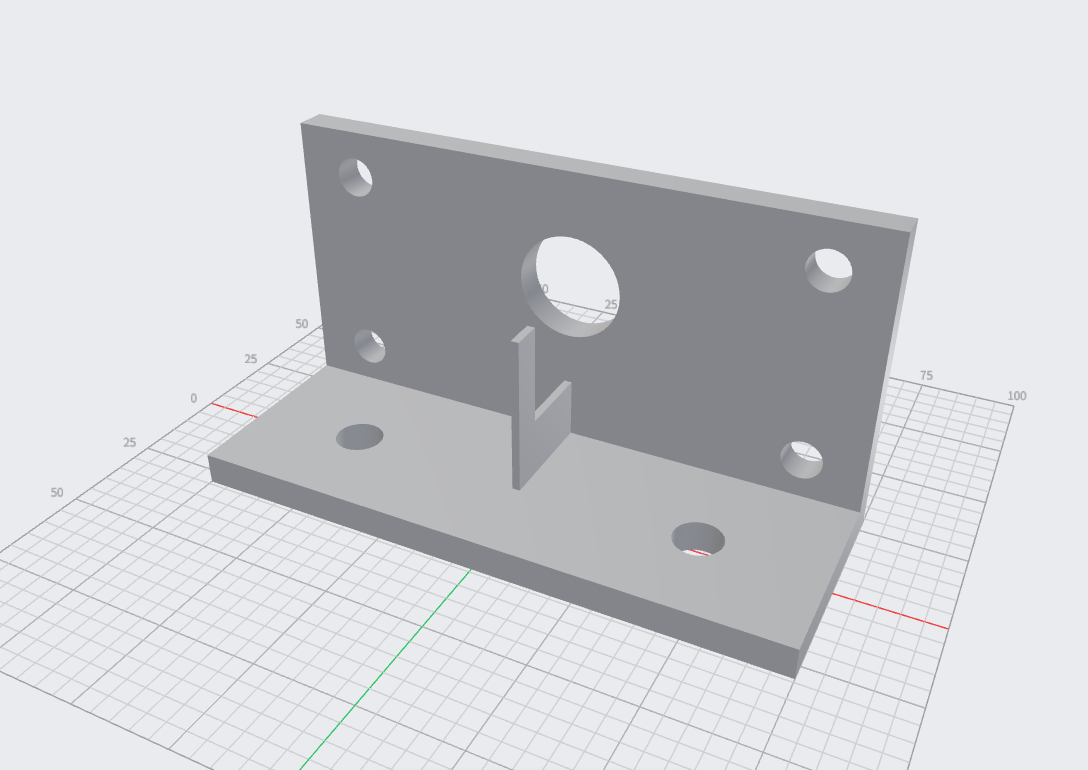
An industrial enclosure STEP file open in Creallo Atlas

No conversion. No upload. Open it locally in a second.

No uploading to someone else's server, no licence to buy. Double-click the file on your own machine.

CAD
.step.stp.iges.igs.brep.brp
Mesh
.stl.obj.ply.off.3mf.glb.gltf
Offline
Works with no internet connection. Opening files, measuring and inspecting all happen on your computer.
Large files
No size limit. Files are read straight from disk, so large assemblies that online viewers refuse will open here.
Mac & Linux
Opening, measuring, inspecting and pricing work the same on macOS and Linux.

Take it past rotate-and-zoom, into real design review

Where most free viewers stop, review begins. Three things that used to need a paid CAD seat.

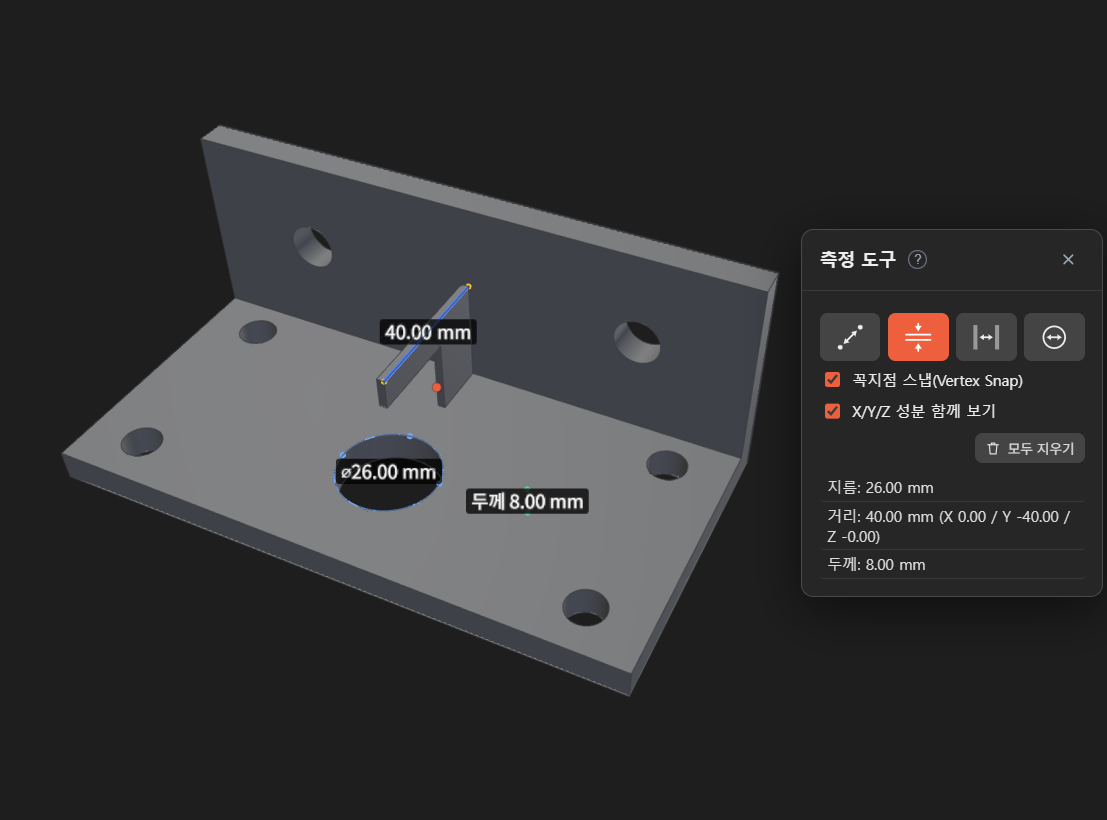
Measuring the distance between two points

Measure

Volume, surface area and bounding box are extracted the moment the file loads. Click a face and distance, diameter, wall thickness and gap are computed live.
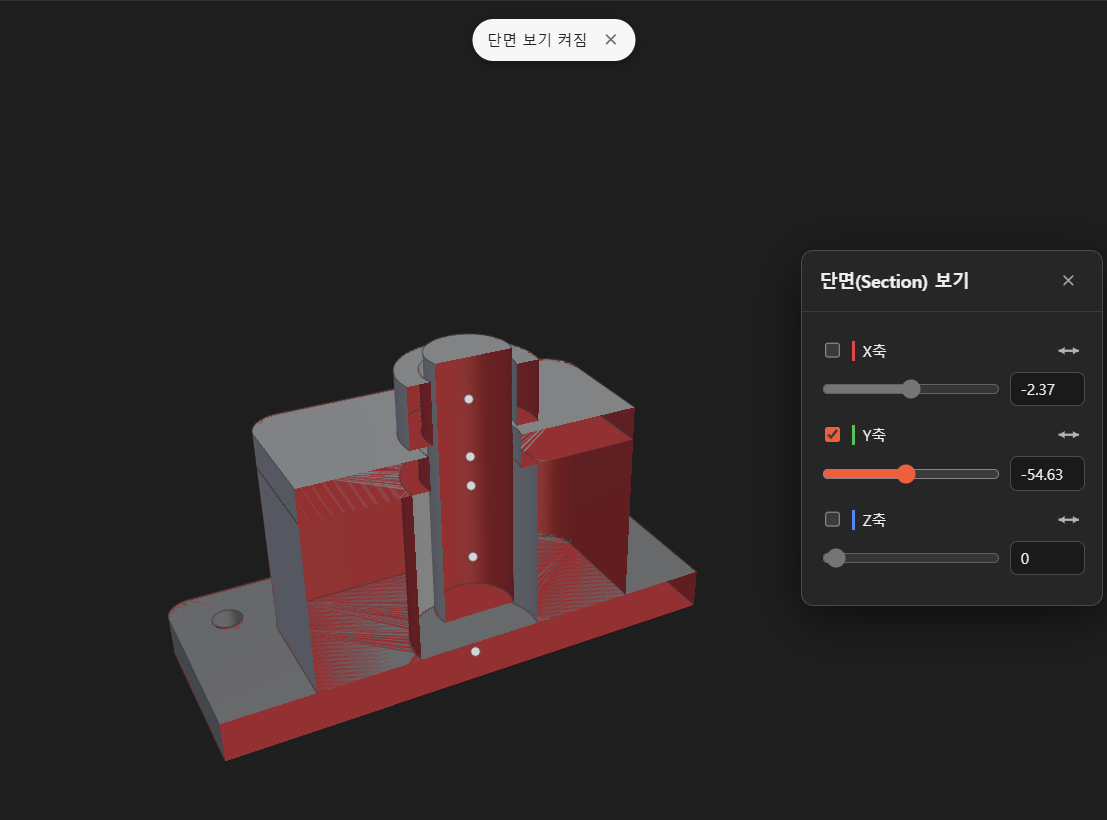
Looking inside the model with a section view

Section

Drag one plane and the inside opens up. Hidden ribs and bosses, internal cavities and interference between parts, all at a glance.
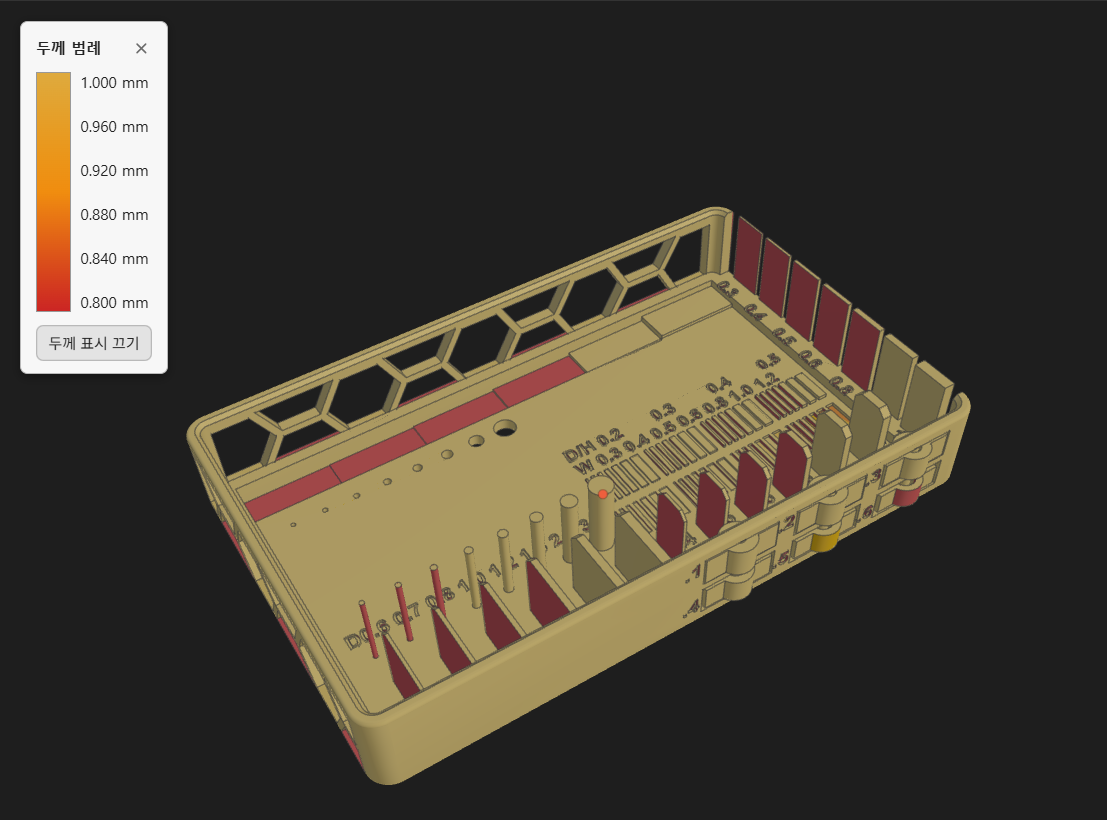
An inspection view with thin walls painted by colour

Inspect

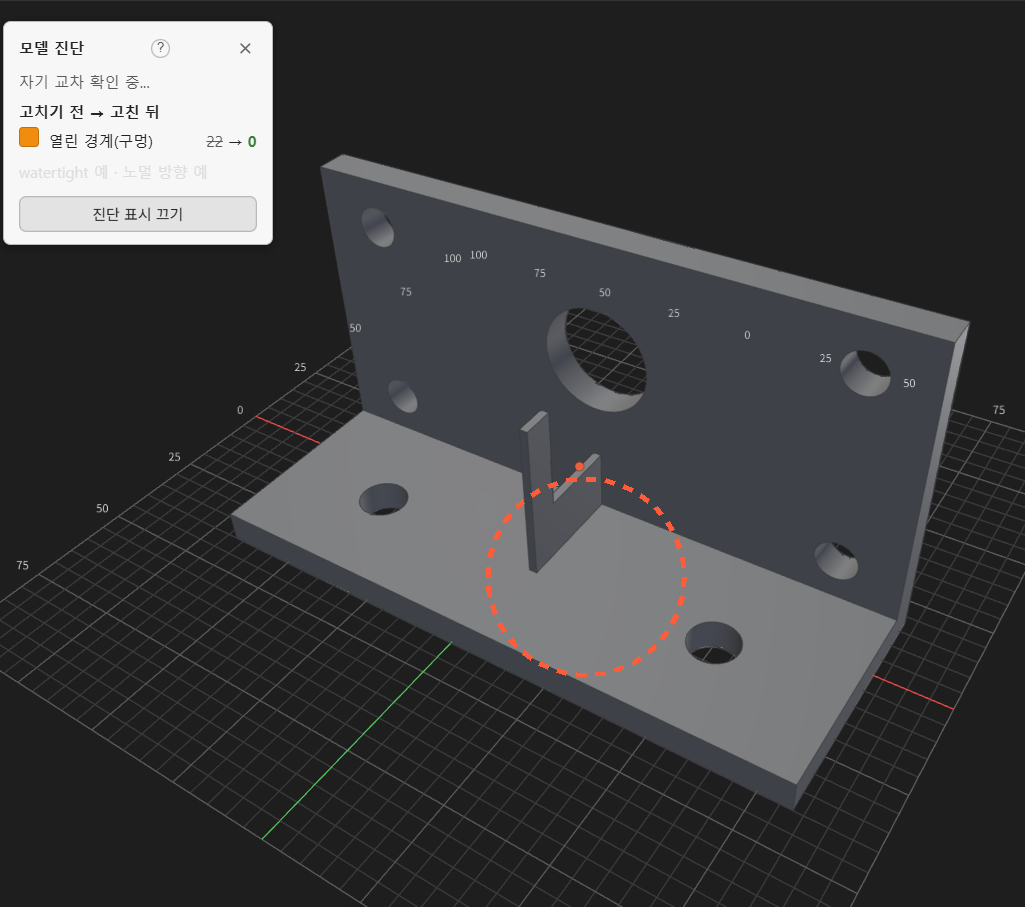
Thin walls, gaps, holes, flipped normals and non-manifold edges are found and painted onto the model. You see where the problem is on the geometry itself, not in a list.

One mesh error shouldn't send the file back to the designer.

No need to reopen CAD. Sign in to Creallo once and fix it where you found it.
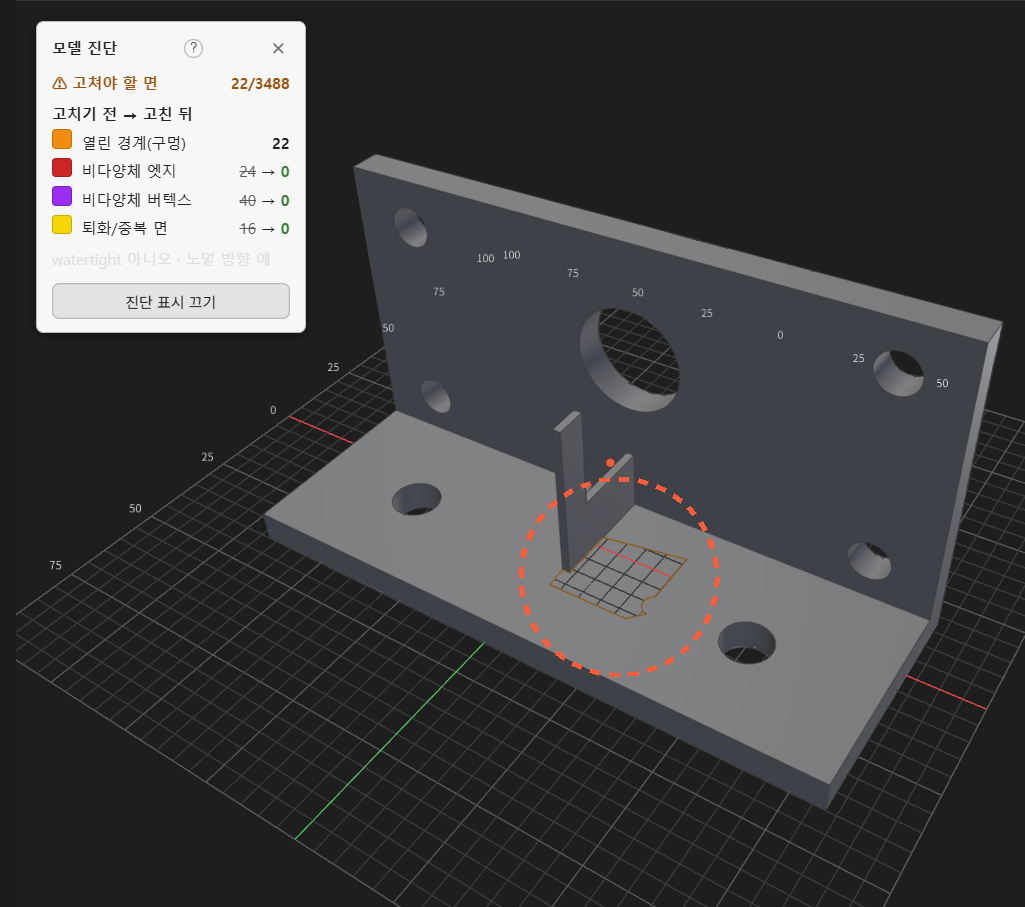
Open edges (holes)Inverted shellsDegenerate triangles · duplicate facesNon-manifold edges
BEFORE
Before repair — a hole in the top face, 22 faces needing repair
AFTER
After repair — the hole is closed and no faces need repair

Pull exactly the part you need out of a complex assembly

Open a STEP assembly and the original part names and colours come with it. Toggle parts to review the structure, then export just the ones you need as STL.
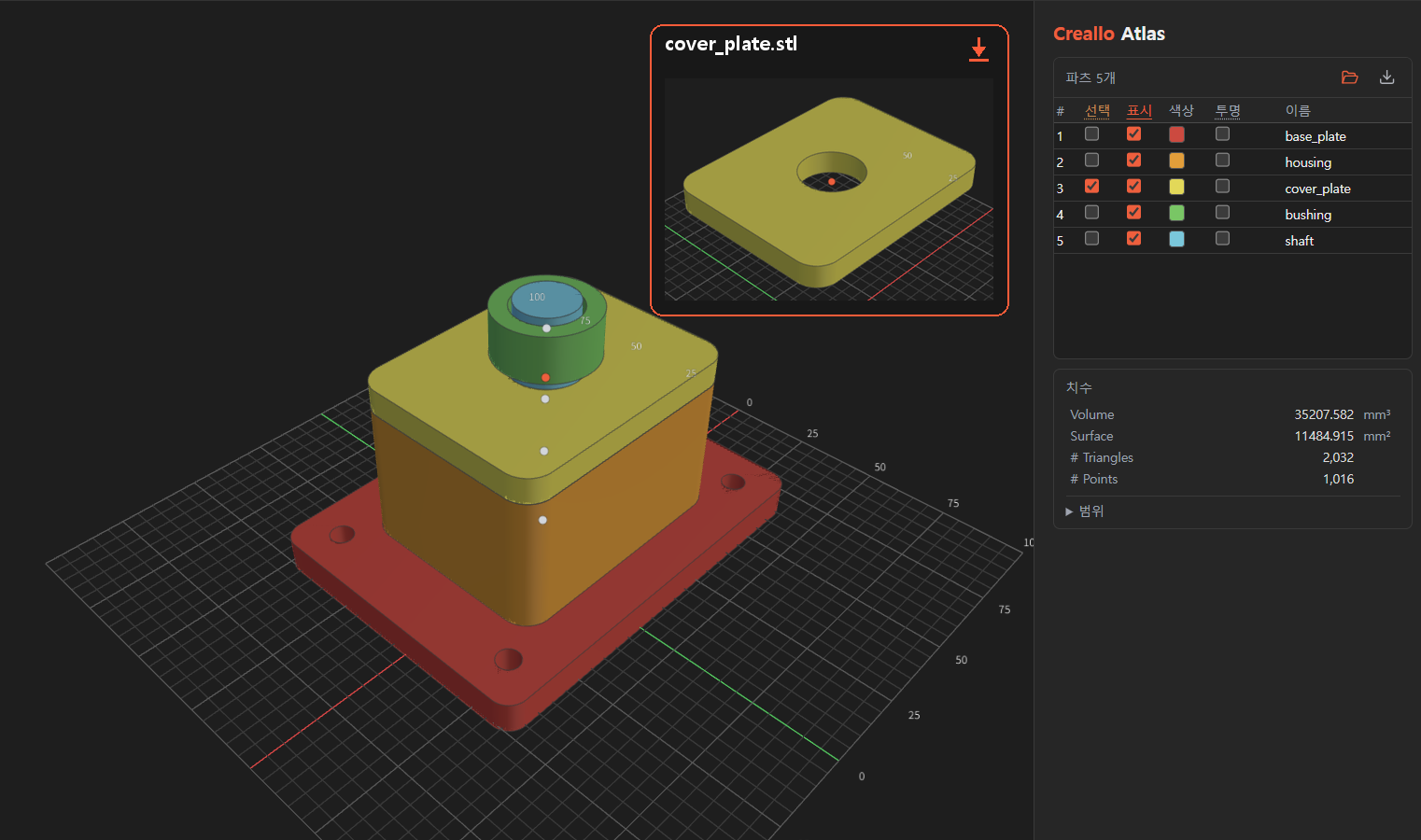
Exporting a single part from the assembly tree

Share a model with a link. Don't ask the other side to install anything.

Send a URL to purchasing, to management, to the customer. They can rotate the model and check its size in a browser, with no design software.
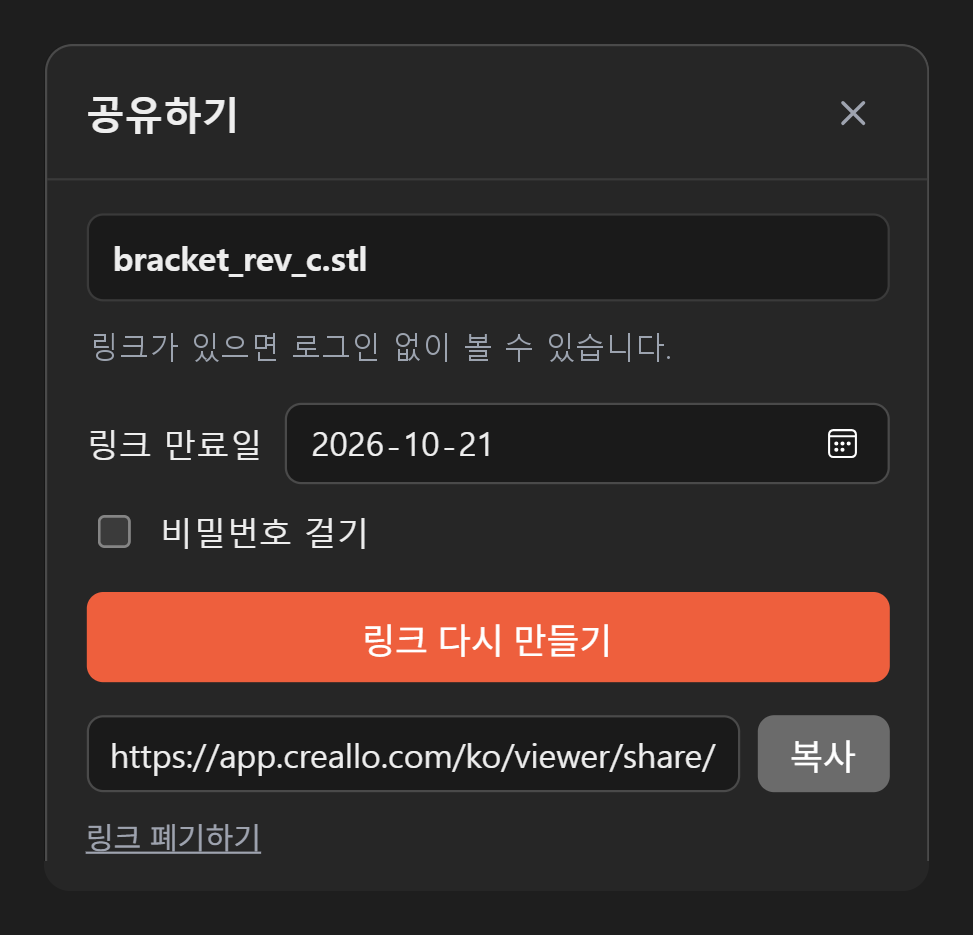
The dialog for creating a share link
A share link opened in a browser

See what the part costs while you're looking at it.

Numbers taken from the geometry give you reference prices for 3D printing, CNC and vacuum casting at once.
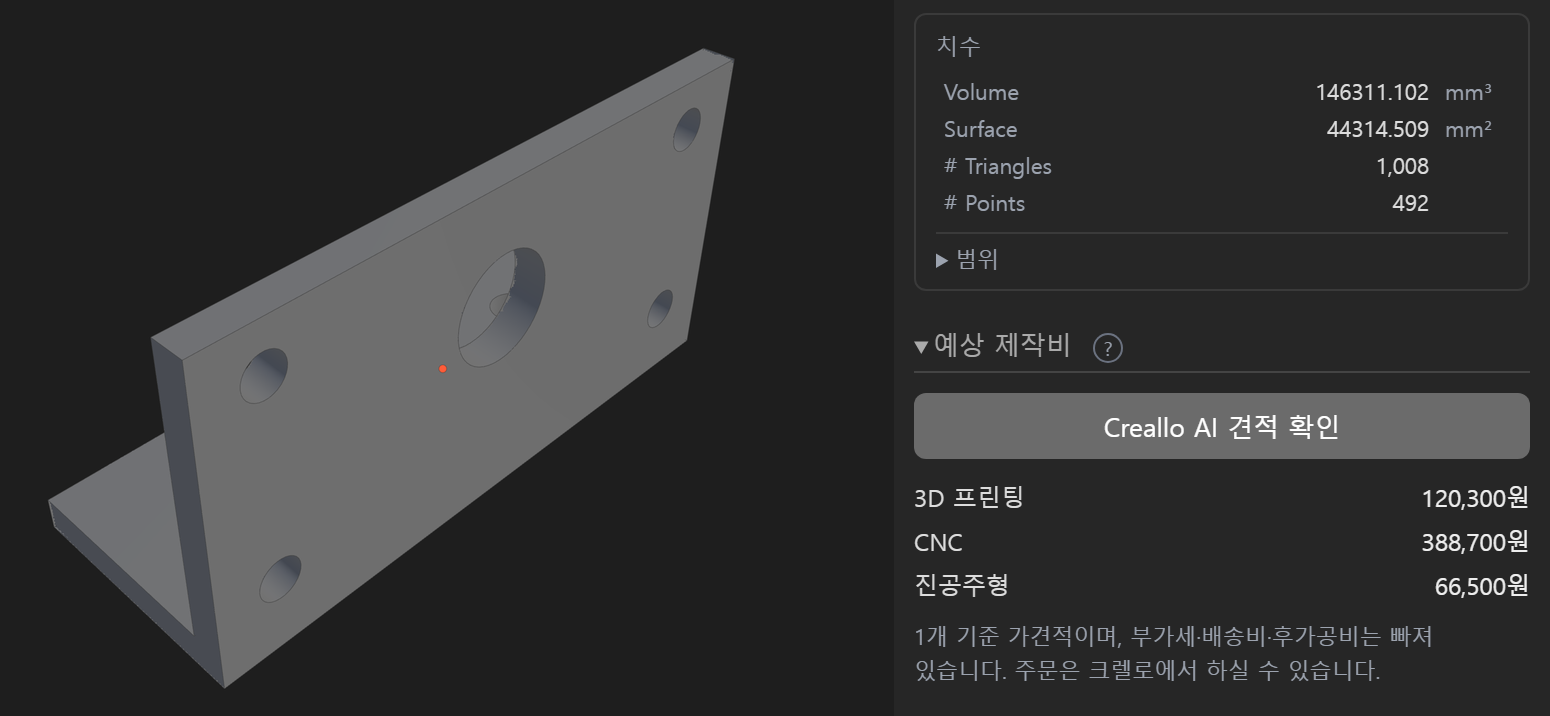
A part on screen and, from its geometry, the volume and surface area used to price 3D printing, CNC and vacuum casting

What separates Creallo Atlas from a free web viewer

File security, inspection, repair, and the path to an order. Compare it with a viewer that only renders.

Typical web viewer Creallo Atlas
File securityMust be uploaded to openOpens offline, on your machine
Size limitCapped file sizeNo size limit
MeasurementMostly rotate and zoomDistance · diameter · wall thickness · gap
InspectionNo sections, no thicknessSection view · thickness map · geometry check
RepairNothing you can doFixable errors repaired on the spot
Part extractionTree is visible, export is notBrowse the part tree · export per part
Path to an orderYou look, and that's itReference quote → order at Creallo

Built by a team that makes parts.

Creallo Atlas exists because manufacturing collaboration kept stalling on who had a CAD licence. It grew out of real ordering work with robotics, IoT and defence companies.
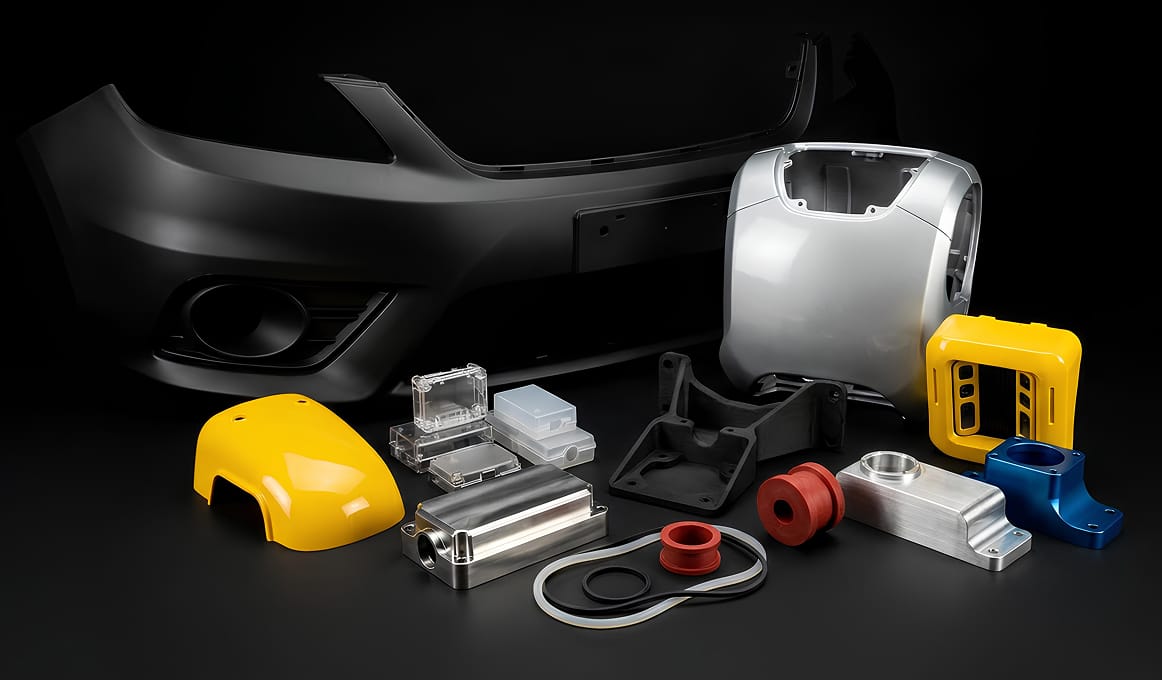
Parts made at Creallo by CNC machining and 3D printing
Manufacturing projects
10K+
Repeat order rate
80%
Customer rating
4.9
Production partners
100+

Figures from the Creallo manufacturing platform · ISO 9001 quality · ISO 27001 information security · ISO 14001 environmental management.

Common questions

What is Creallo Atlas?
A free program for opening 3D files, measuring them and inspecting them, with no CAD needed. It runs on Windows, macOS and Linux.
Do I need an account?
Opening files, measuring, section views, thickness checks, mesh diagnosis and STL export all work immediately without signing in. Only the collaborative features — automatic mesh repair, merging parts and share links — need a Creallo account.
Is there a file size limit?
None at all when you work on your own machine. The limit applies only to share links: up to 50MB per file, in .stl, .step or .stp.
Can I use it commercially?
Yes. You can use it for company work without restriction.

Open the 3D file you have right now in Creallo Atlas.

Install once. Opening a file takes a second.

Every current feature free · automatic updates